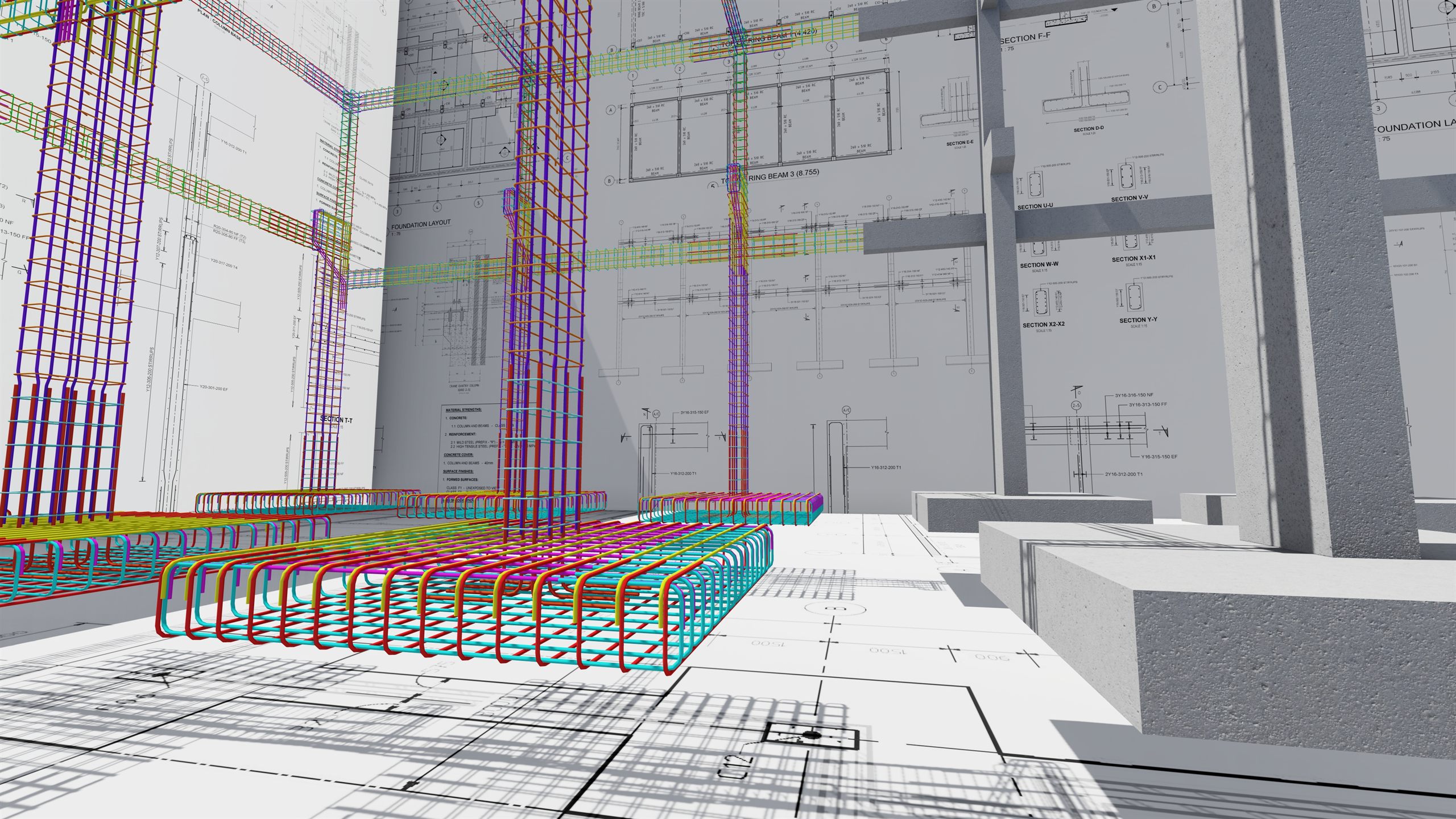
Eleven Panels on One Revit Tab
Turn picked points into a numbered, coordinated setting-out table that stays up to date.
Cut a section without touching the section tool twice.
Revit’s own manual bar placement, on the Elemento tab where the rest of your rebar work lives.
Nine generators that build a complete cage from a member you already modelled. Re-applying replaces what the tool made, so nothing duplicates.
A register of everything Elemento has reinforced, and the fastest way back into it.
Cut, lap and split bars that are already in the model.
Get a reinforced model back under control — view-wide, or scoped to one picked member.
Read the model at a glance by colouring the steel.
Make a congested section into something you can actually annotate.
The chain from model to workshop: annotate the bars, schedule them, lay them out on sheets and send them out.
Get a fresh project ready, and get families back out of it.
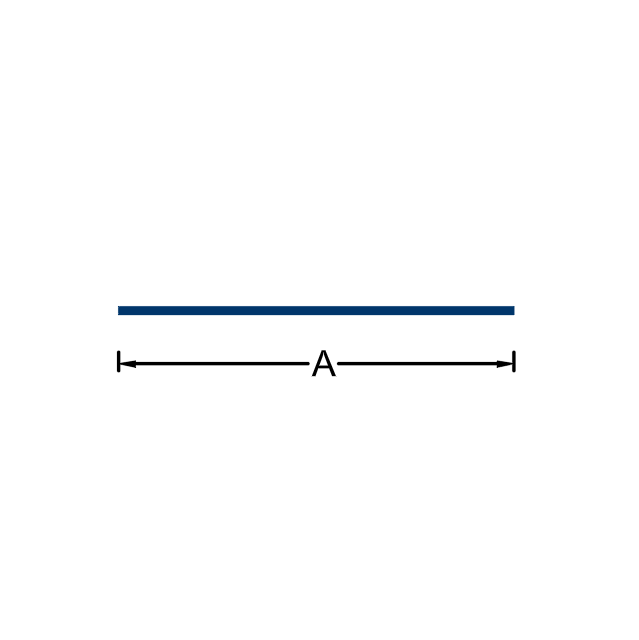
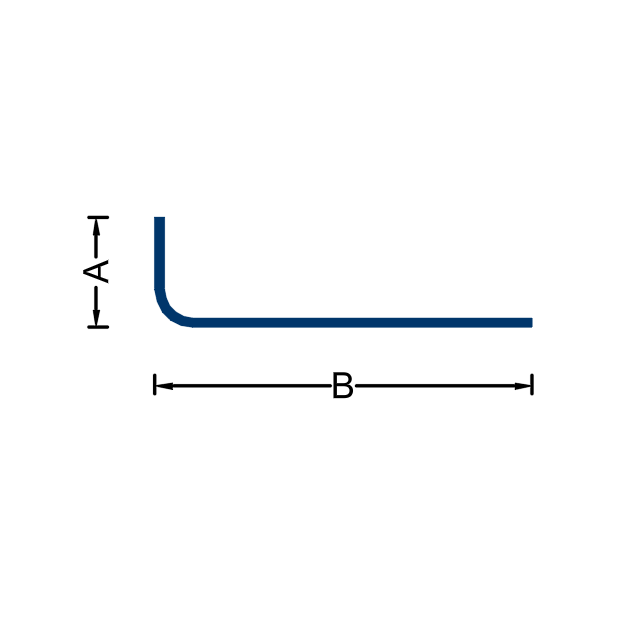
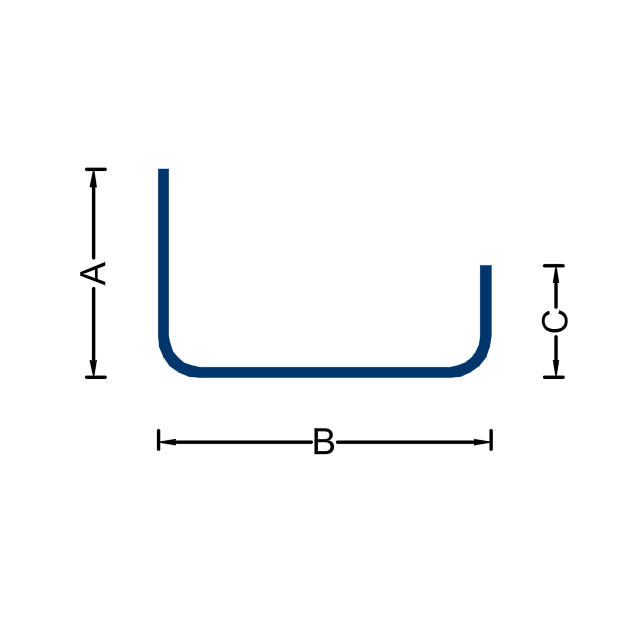
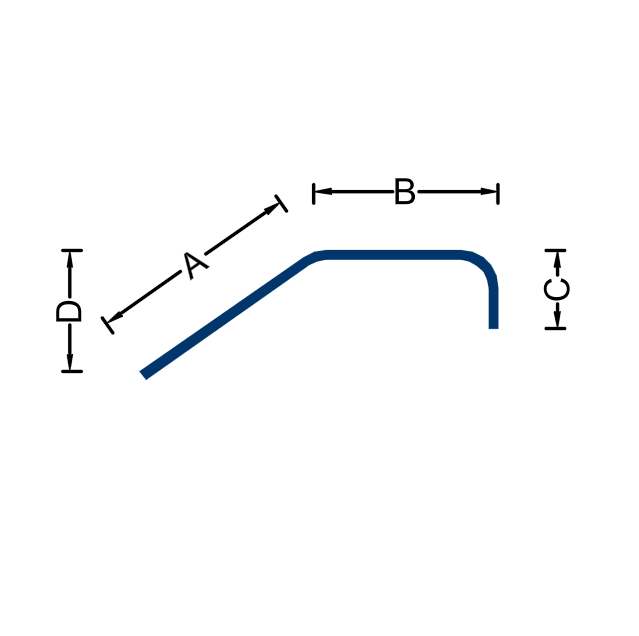
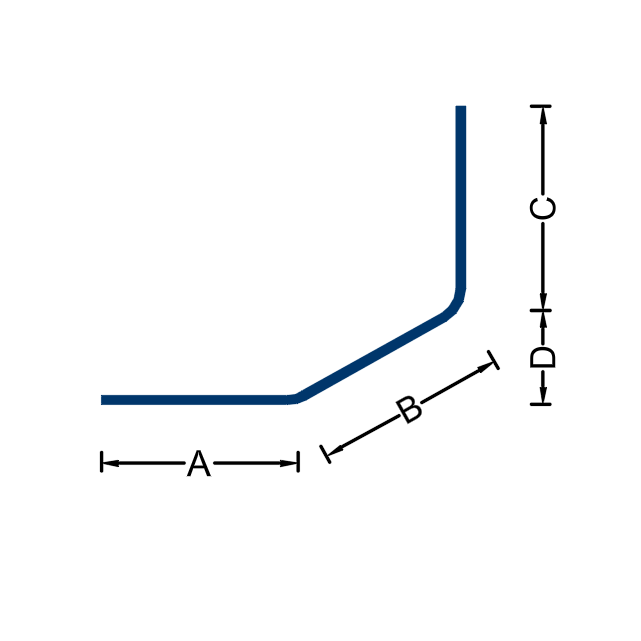
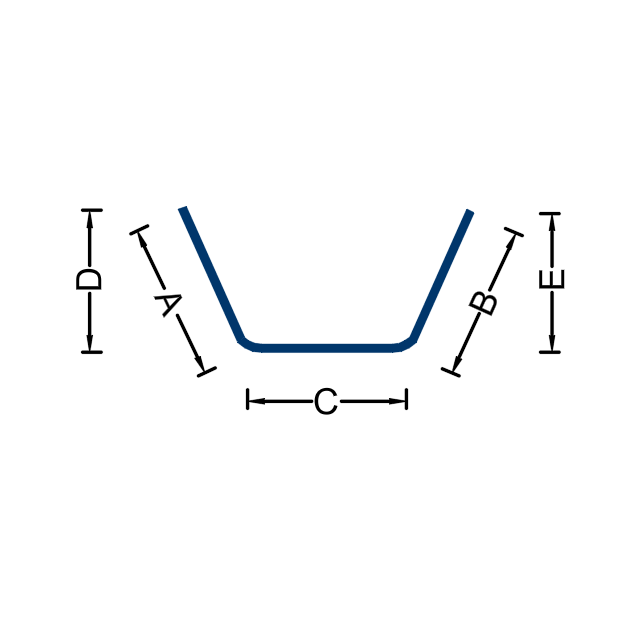
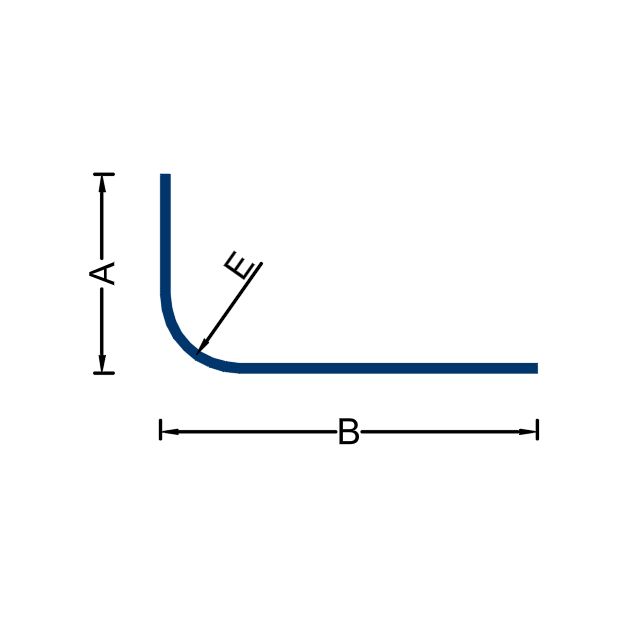
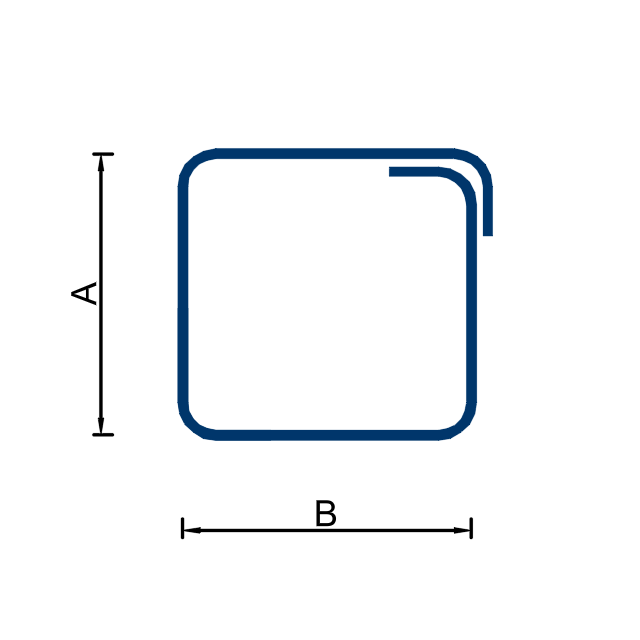
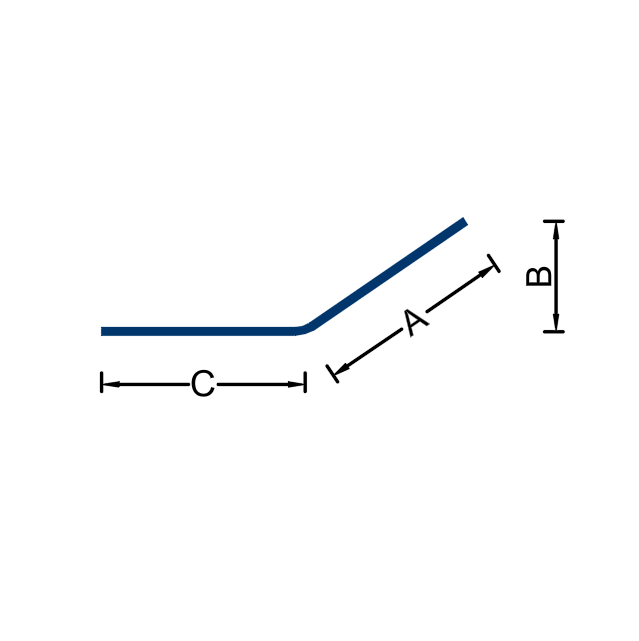
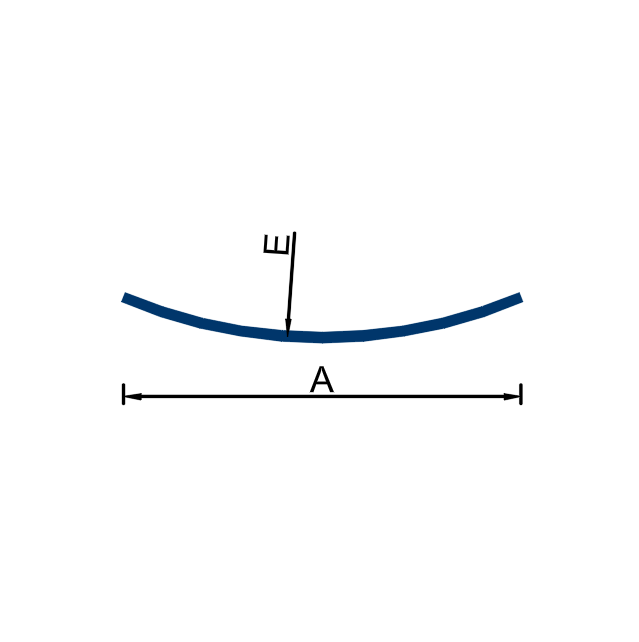
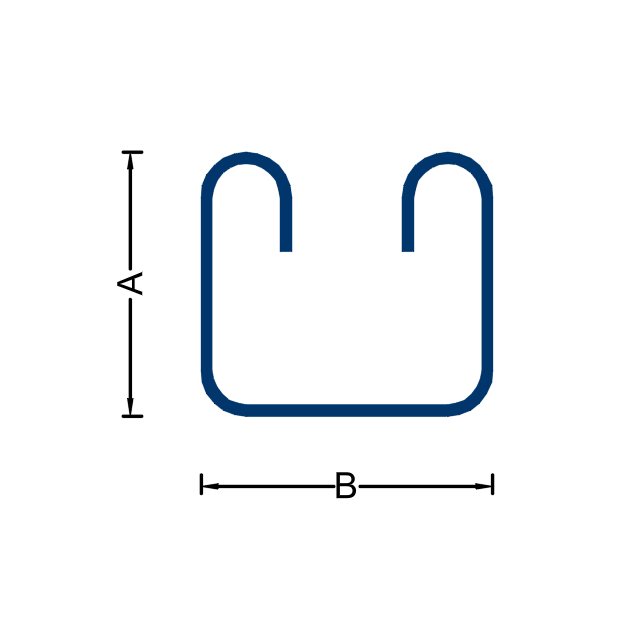
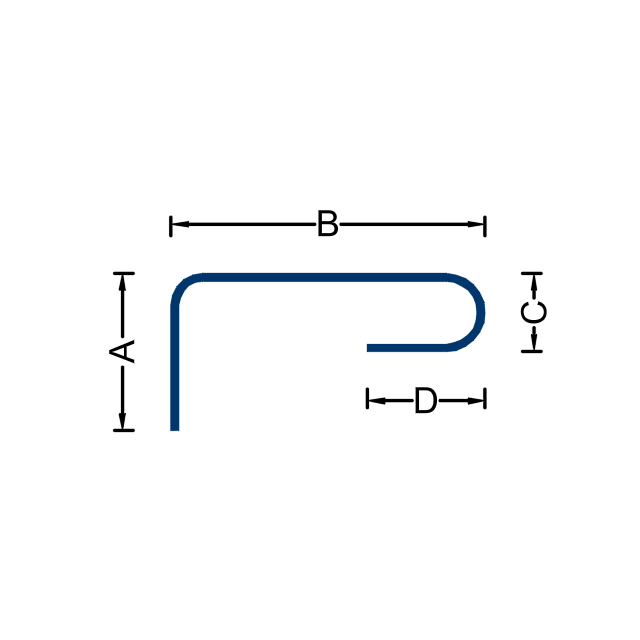
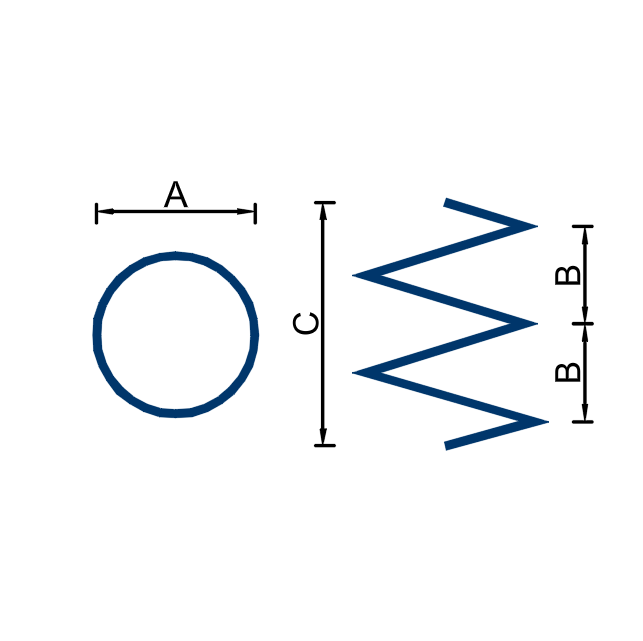
26 of them are the SANS 282 Table 1 sheet — the shapes a bender expects to see. The rest cover the configurations the sheet does not. Revit will call a shape complete and then draw nothing, so every shape we ship was read back out of Revit and confirmed drawable, and where Autodesk ships a South African shape of its own, all 25 of ours match it exactly.
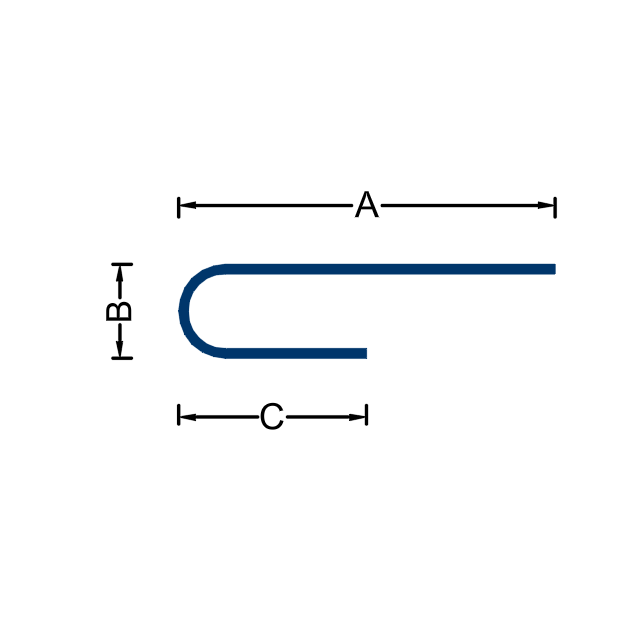
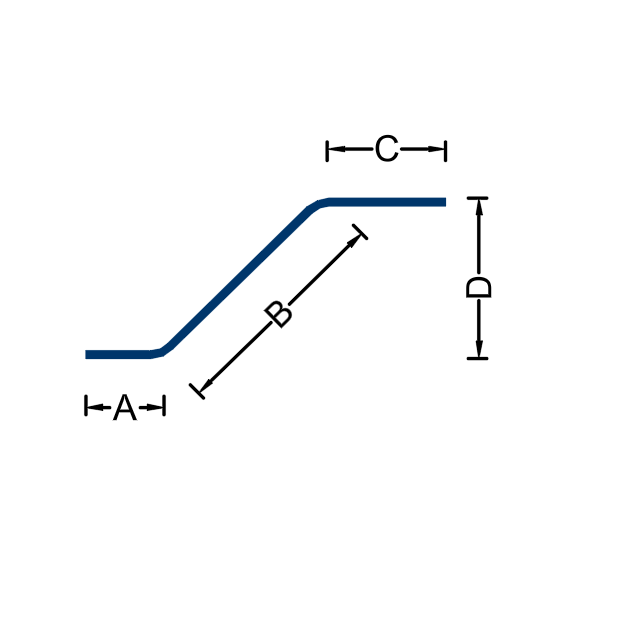
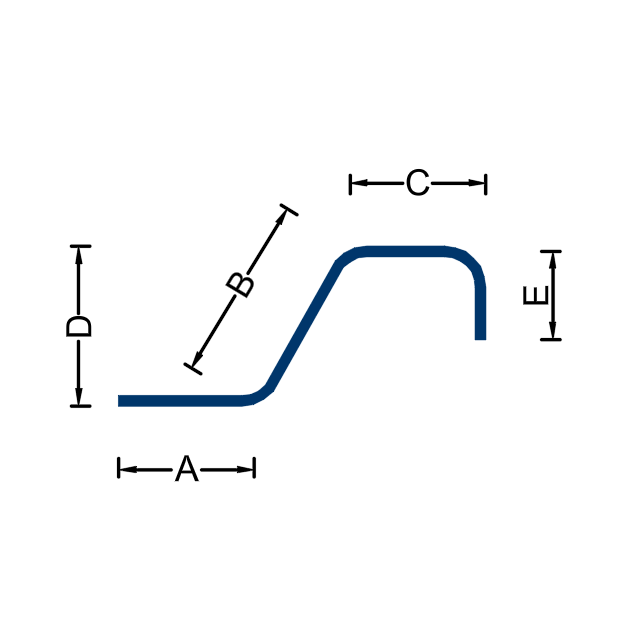
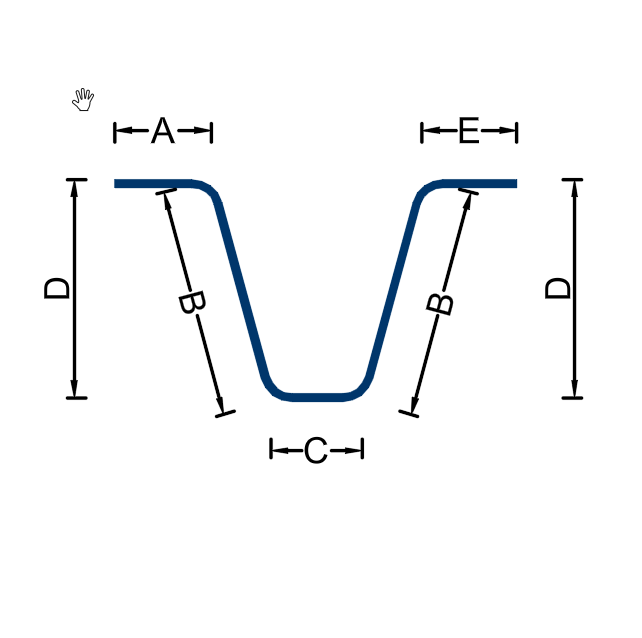
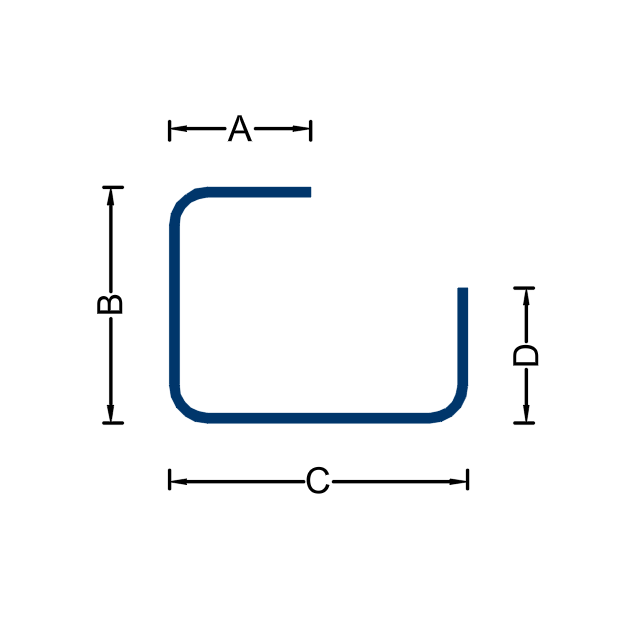
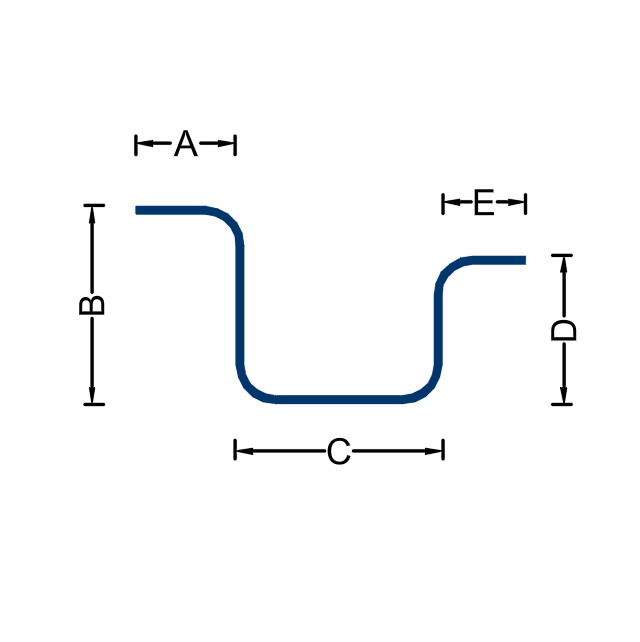
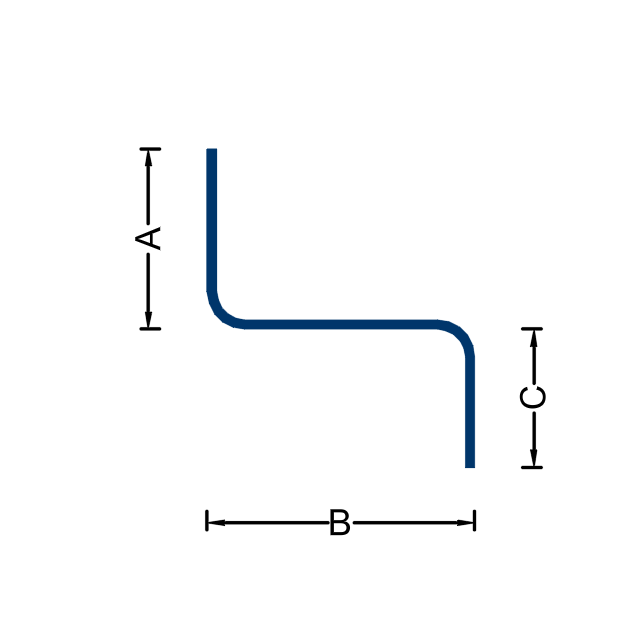
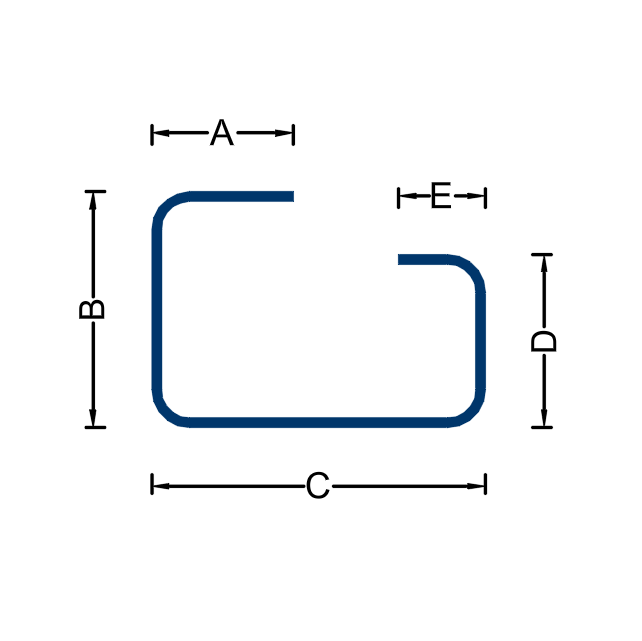
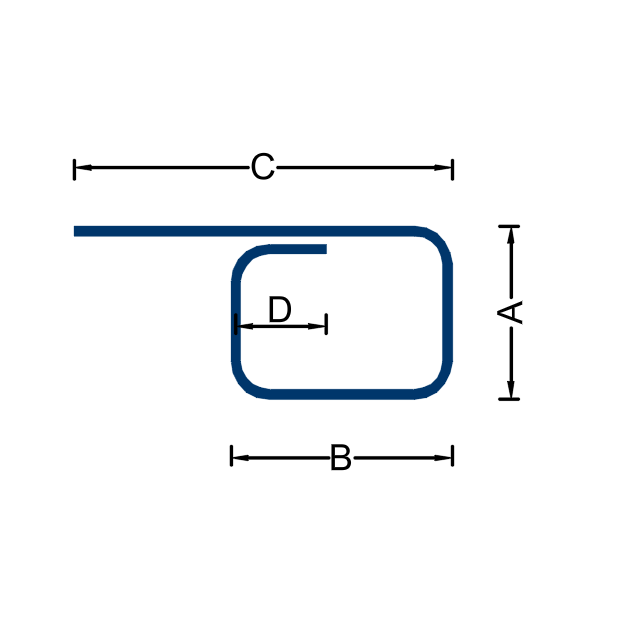
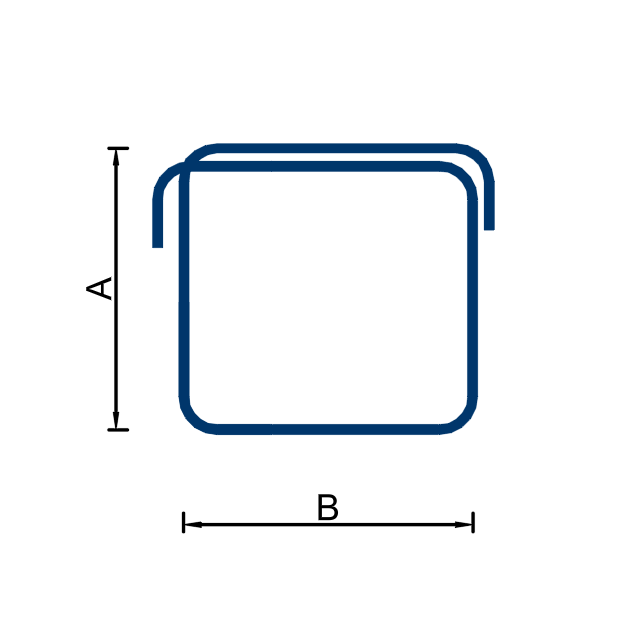
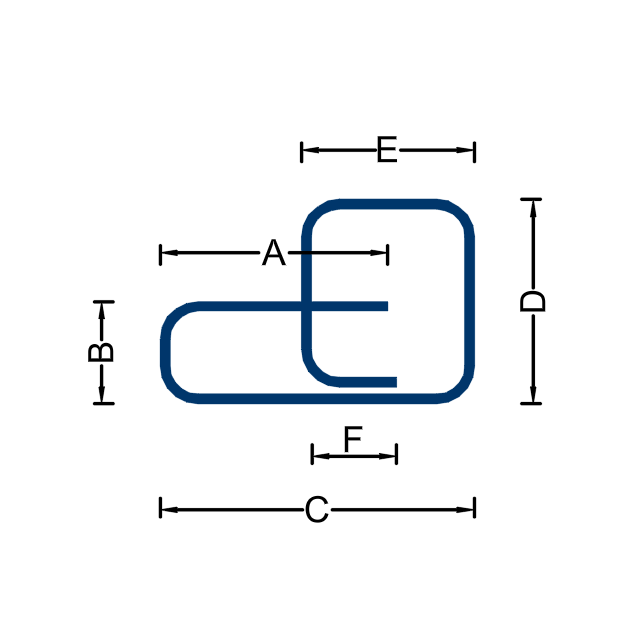
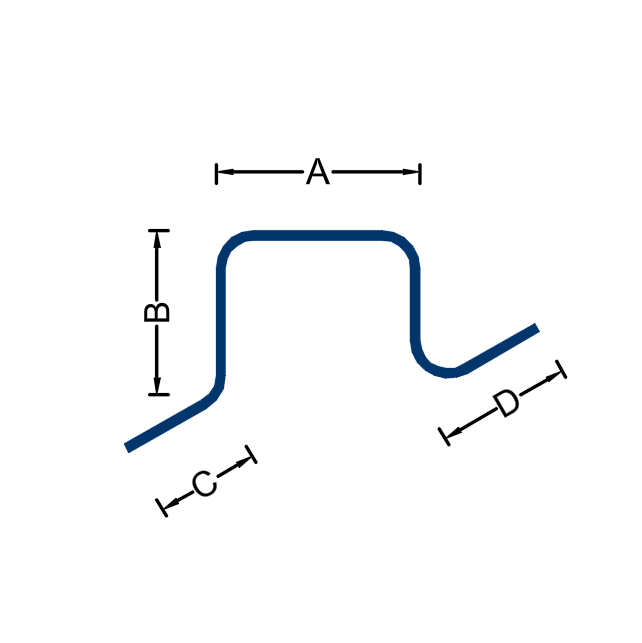
Tell us what you detail and which of these would save you the most time.
Download Free Trial